
Support resources for using SimCare
Find training videos, quick-start guides, office hours, account manager booking links, FAQs, downloads, and the right place to get help.
Ways to get support
SimCare gives you access to multiple support channels, including your account manager, live office hours, email support, and phone support.



Liberty's Field Experience Guides




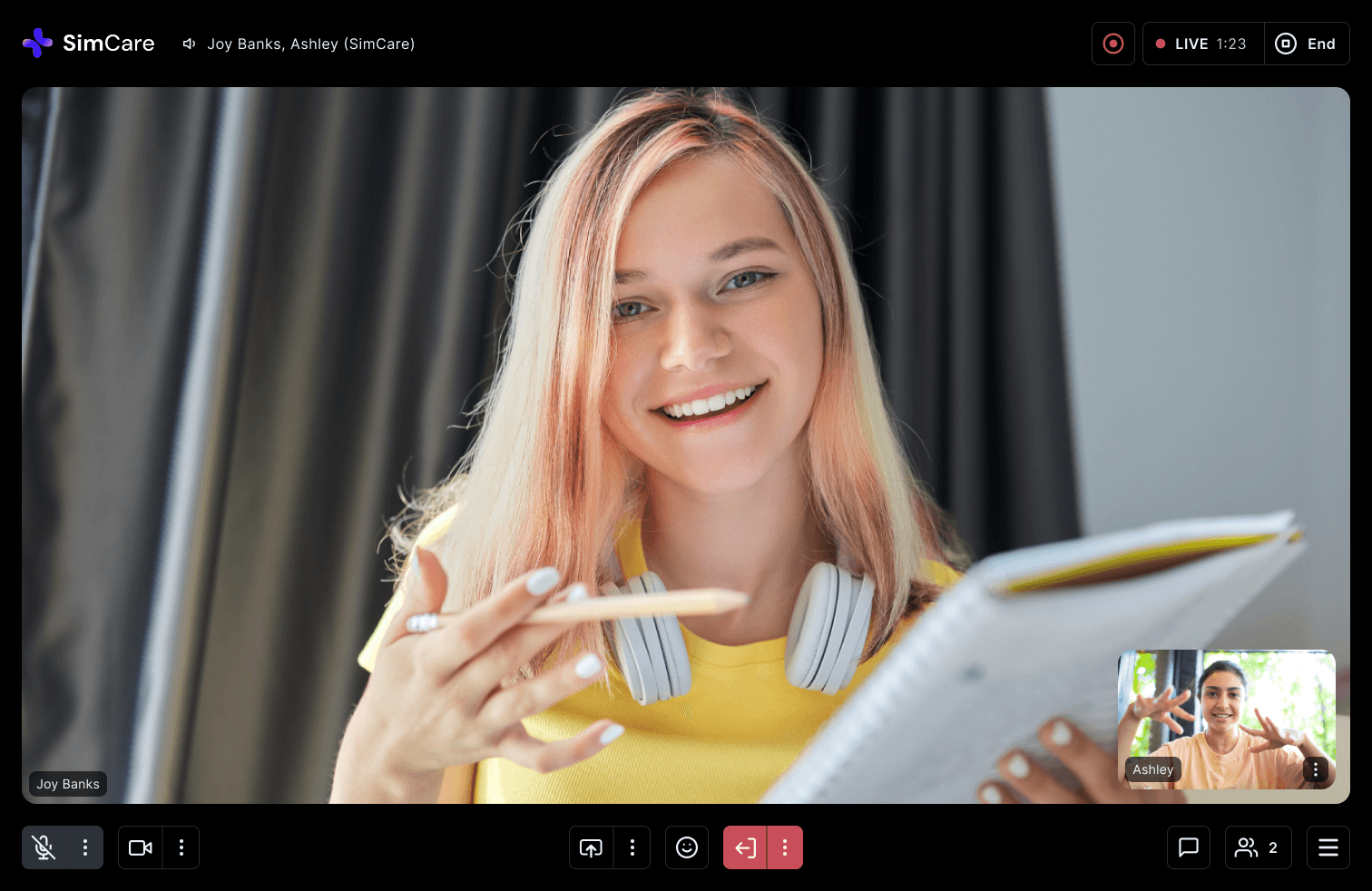

Office hours, every day
Drop into SimCare office hours for help with setup, questions, troubleshooting, or anything you want to walk through with our team.
Monday to Friday, 11:00 AM–12:00 PM ET
No appointment needed.






Getting started with SimCare
01
Go to the SimCare platform
Visit app.simcare.ai to get started.
02
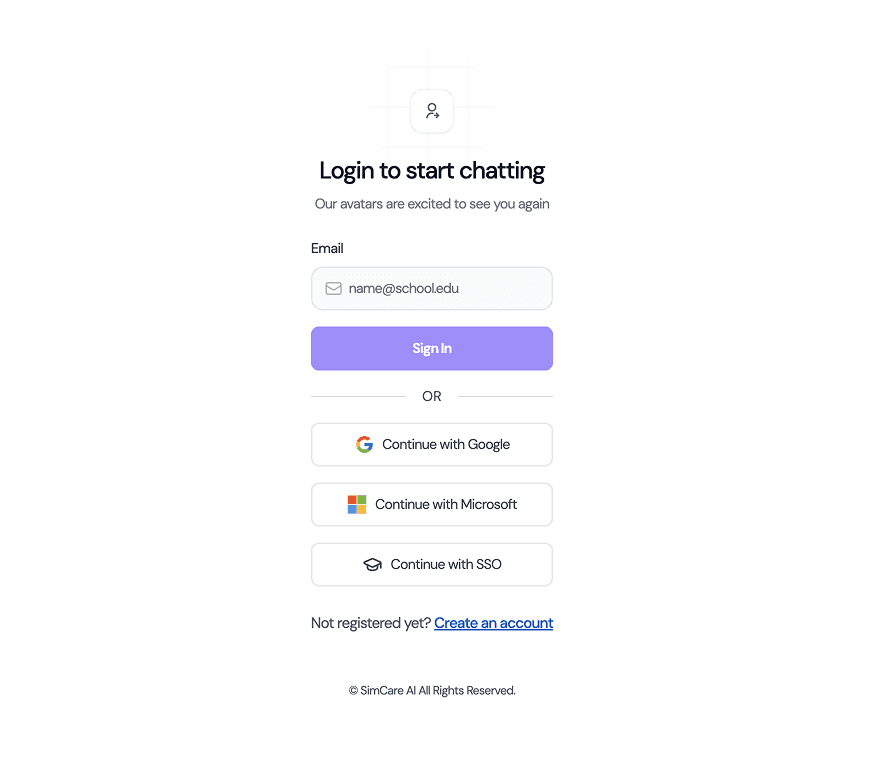
Log in or create your account
Log in with your existing SimCare account. If you do not have an account yet, create one using your school email address.
03
Activate or upgrade your access
If you need to purchase access, click Plan in the sidebar and upgrade your account. If you purchased SimCare through your university bookstore, click your account in the sidebar, go to Billing, and enter your access code.


For the best experience, use Chrome