New
Announcing the course catalog
Introducing SimCare's Course Catalog
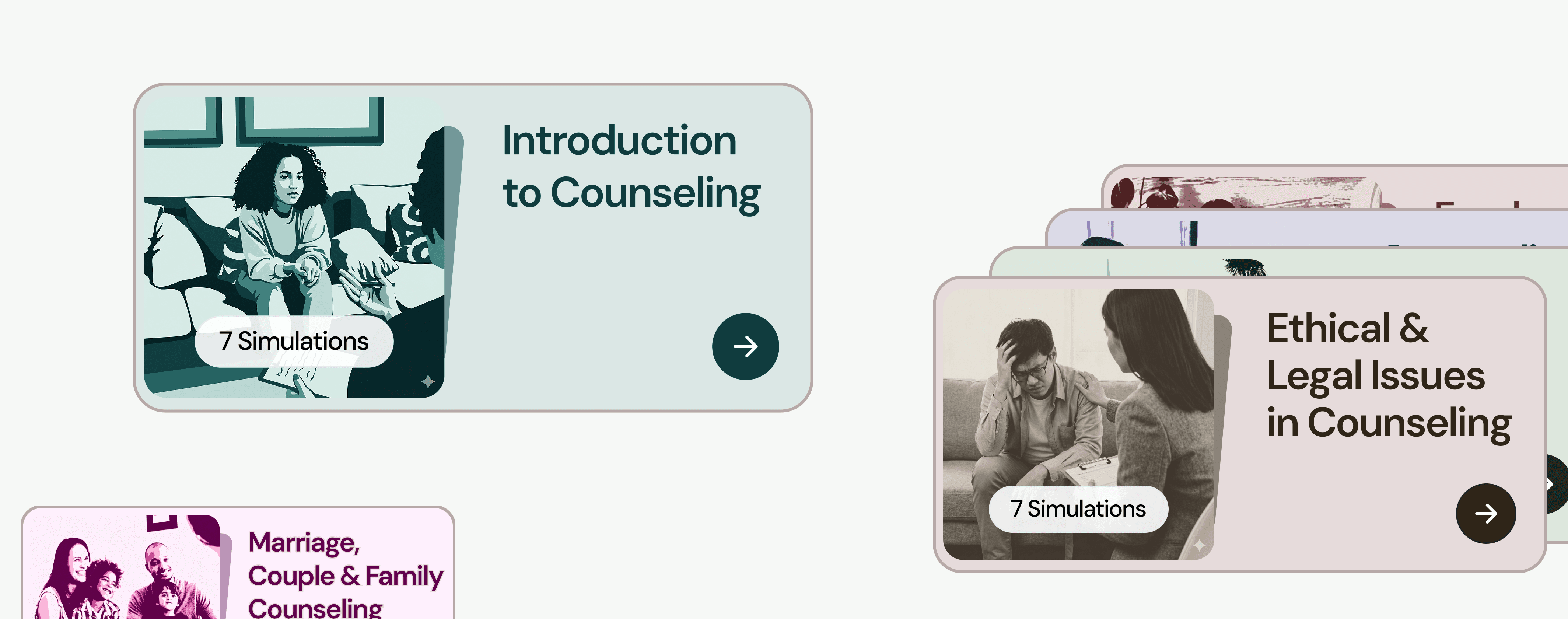
This library of prebuilt simulation courses is designed to give counseling students realistic, safe practice with virtual clients.
How it works
How to Use a Catalog Course in SimCare
Browse the catalog, select a course in SimCare, and share the course code with students.
Catalog


Browse the catalog
Explore available courses at catalog.simcare.ai. Each course includes modules, focused scenarios, optional full-session practice, learning outcomes, and CACREP mapping.
Select a course
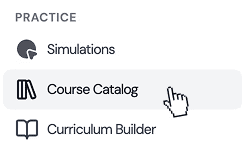
In the SimCare web app, click Course Catalog in the sidebar. Select a course, then click Use This Course to add it to your classes. Once added, you can customize the course as the instructor.
Copy class code
Invite
Invite students
Open the course, click Members and then Invite. SimCare will generate a course code that you can share with students. The code never changes.
Course Overview
What Each Course Includes
Each course is organized into modules with two assignment types: a required Focused Scenario for targeted skill practice, and an optional full session for longer practice with the same AI client.
Focused Scenarios
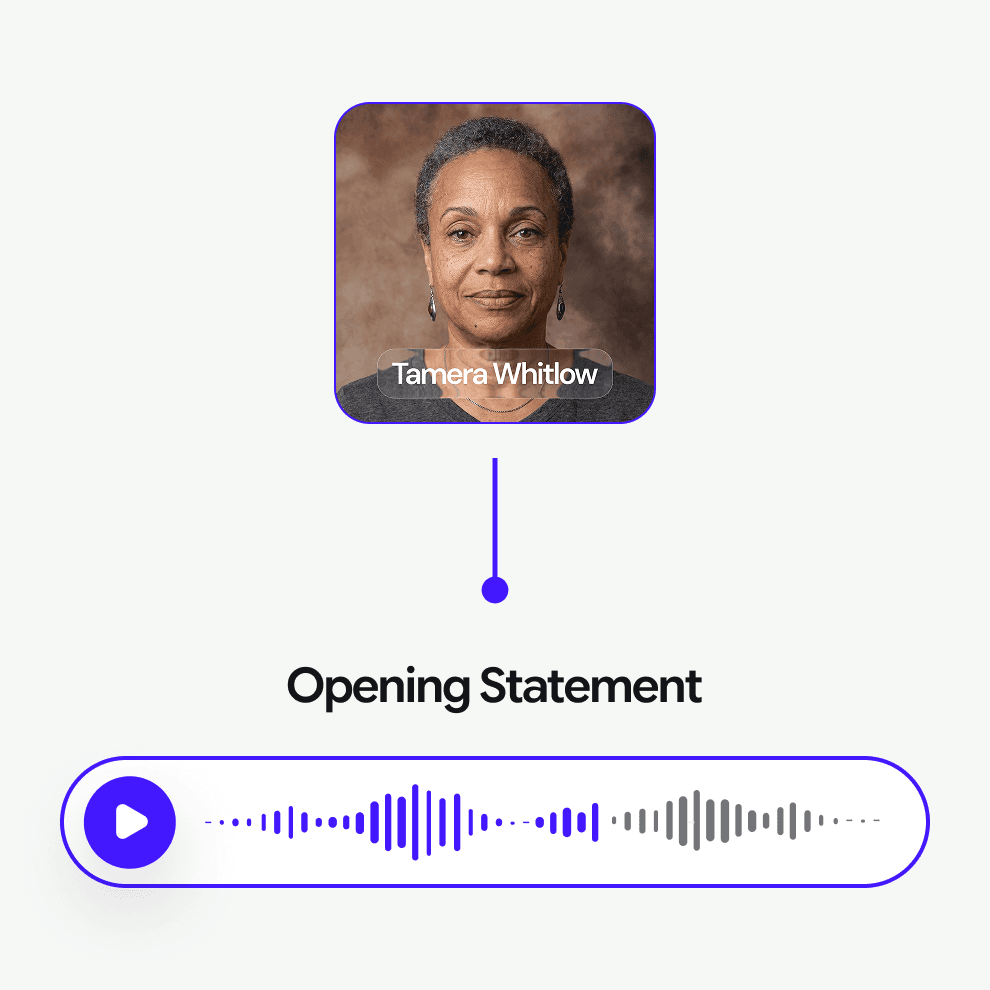
Students begin directly in a specific client situation, disclosure, or concern. Instead of starting a full session from the beginning, the client opens with a statement that lets students practice a specific skill or response.
Focused Scenarios are shorter, targeted simulations. Students can still go back and forth with the AI client, but the assignment is designed around one scenario and/or one skill area.
Recommended time: 10–15 minutes.
Faculty can set time limits in SimCare.
Optional: Full Session
Students can also complete a longer session with the same AI client.
This version does not begin with a disclosure. Students start fresh, build rapport, explore the client’s concerns, and conduct a more complete session.
Recommended time: 30–60 minutes
These are usually used for extra practice and are typically not graded like Focused Scenarios.
Catalog
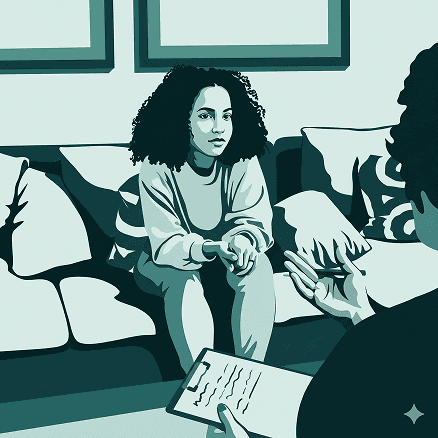
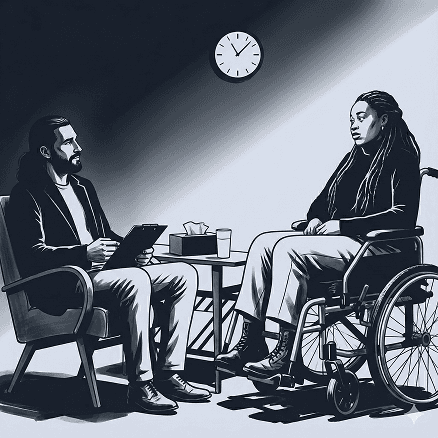
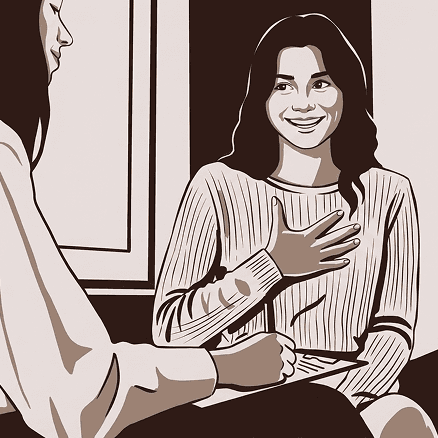
Explore available SimCare catalog courses below
Each course includes prebuilt modules, Focused Scenarios, optional full-session practice assignments, learning outcomes, and CACREP mapping. Faculty can use these courses as-is or adapt assignments to fit their syllabus.




Team
Meet our clinical advisors
SimCare courses are designed with instructional designers and counseling education workflows in mind.


Carl Shaperis
Advisor
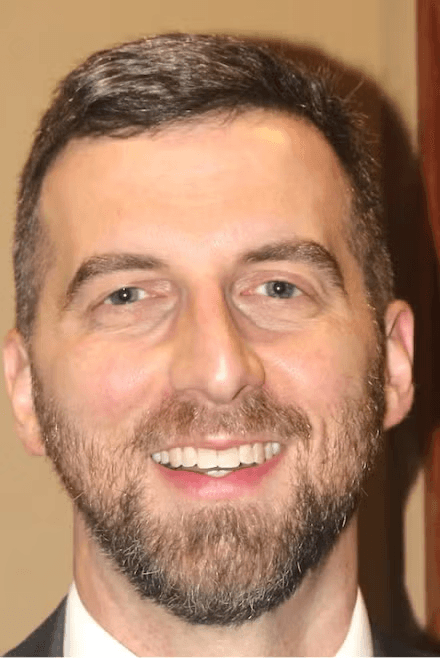
Eric Beeson
Advisor
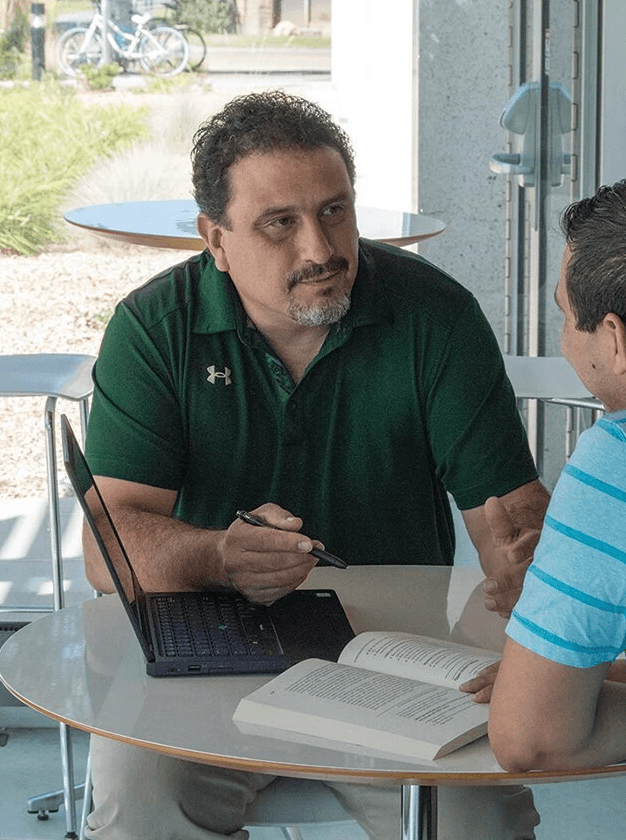
Mark Manzaneres
Advisor

Jay Burke
Advisor
FAQ
All our frequently asked questions, answered
What is the SimCare Course Catalog?
A library of prebuilt simulation courses for counseling programs.
What is a Focused Scenario?
A short, targeted simulation that starts with a specific client disclosure or concern.
How long should Focused Scenarios take?
Usually 10–15 minutes.
What is the optional full session?
A longer, open-ended session with the same AI client.
Can faculty edit the courses?
Yes. Courses can be used as-is or customized.
Do courses include CACREP alignment?
Yes. Each course includes learning outcomes and a CACREP map.